Step 1. Install Open Code
npm install -g opencode-ai

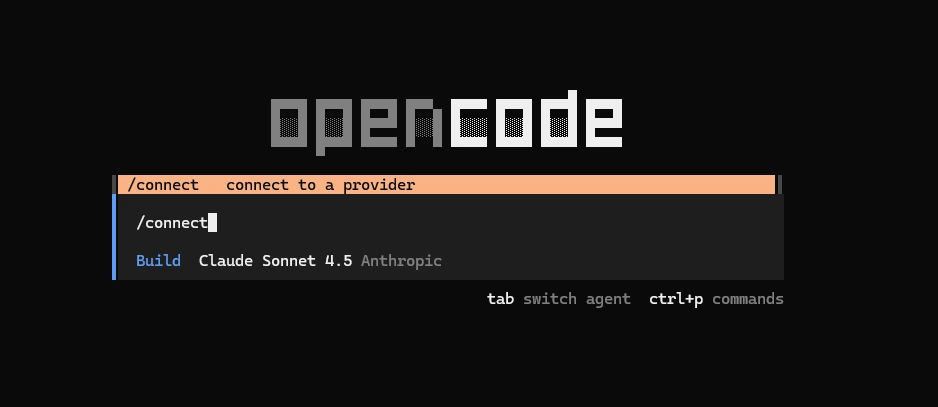
Step 2. Set Canopy Wave API
- 1. Configuration file locations: You can place opencode.json in the project root directory based on the project's location, or set it as the global ~/.config/opencode/opencode.json.
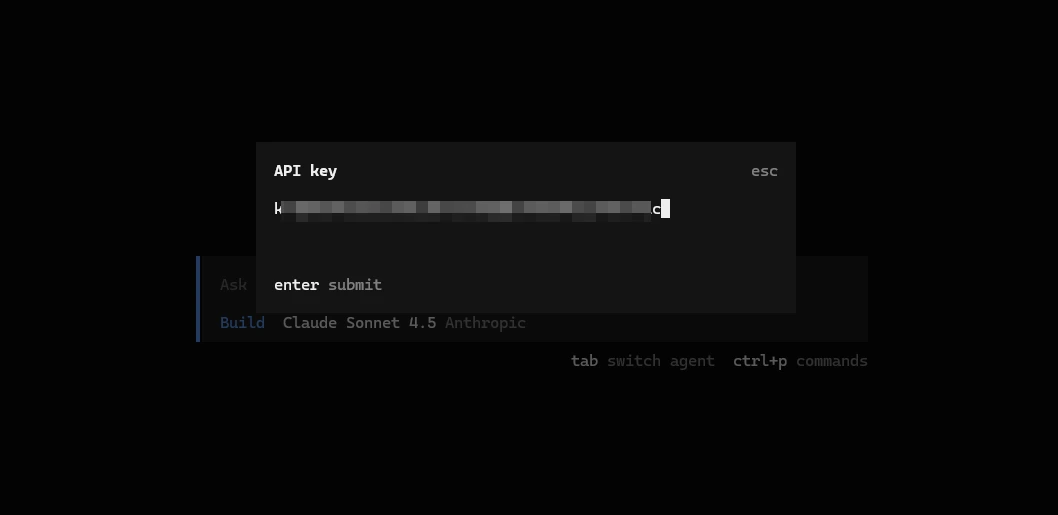
- 2. Get your model api key from Model API Key Canopy Wave.
- 3. Copy the json file below. Replace the Bearer token key with your actual model API key you got from Model API Key in the previous step. opencode.json should look like this
{
  "$schema": "https://opencode.ai/config.json",
  "provider": {
    "canopywave": {
      "npm": "@ai-sdk/openai-compatible",
      "name": "Canopy Wave",
      "options": {
        "baseURL": "https://inference.canopywave.io/v1",
        "headers": {
          "Authorization": "Bearer your_canopywave_key"
        }
      },
      "models": {
        "kimi-k2.6": {
          "name": "Kimi K2.6 (Canopy Wave)",
          "id": "moonshotai/kimi-k2.6"
        }
      },
      "model": "canopywave/kimi-k2.6"
    }
  }
}
Step 3. Use
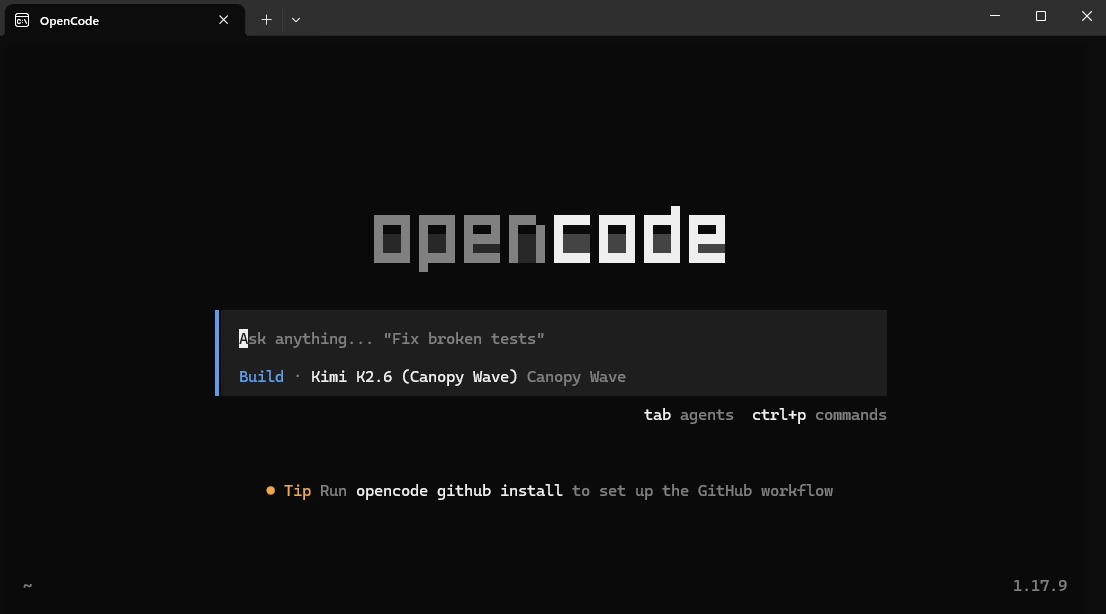
- 1. Type opencode will open the console to talk to the model.
- 2. Use the /models command to select models:
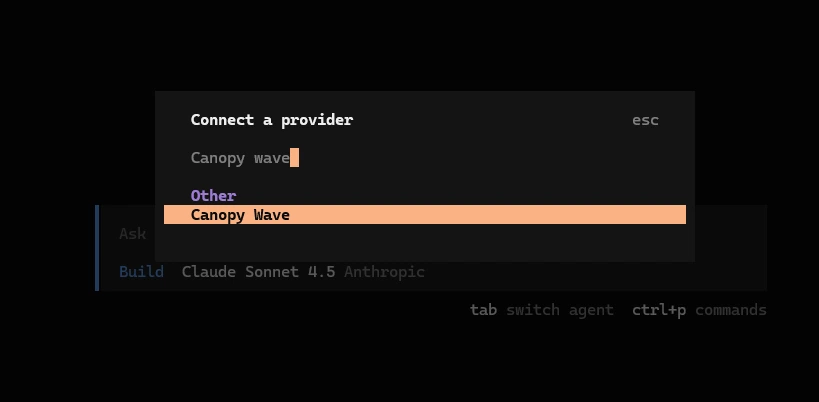
- 3. Type Canopy Wave to use the model you just set up in the JSON.
- 4. Start using our best open-source models on your OpenCode.