Ⅰ. Why Deploy and Run a Large Language Model Locally?
1. Data Privacy & Security
When running an LLM locally, no user data is collected and no user actions are tracked. All your chat data stay on your own computer and are never shared with any AI or machine-learning servers.
2. Deep Customization of Models & Business Logic
Domain Adaptation: Fine-tune a general-purpose model with industry-specific knowledge (e.g., medical terminology, legal clauses) to generate more accurate domain content.
Feature Extensions: Integrate with local databases, knowledge bases, or business systems (CRM, ERP, etc.) to deliver private intelligent Q&A, document analysis, and other bespoke functions.
Full Control: Freely modify model architecture, inference logic, and output formats without being constrained by public API limitations.
3. Technical Autonomy & Controllability
Version Pinning: Prevent unexpected business-logic failures caused by cloud-side model updates.
Audit Transparency: Gain complete visibility into the model's input/output stream to satisfy security-audit requirements.
Vendor Independence: Reduce reliance on any single cloud provider (e.g., OpenAI).
4. Development & Research Needs
Model Experimentation: Researchers can freely tweak model structures and training strategies without cloud-imposed quota limits.
Edge Deployment: Explore lightweight model variants for deployment on mobile phones and IoT devices.
Ⅱ. Deploying DeepSeek-R1 Locally
1. Check your hardware and pick the right model size
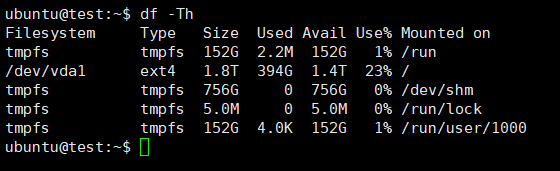
Check how much free disk space you have.
df -Th
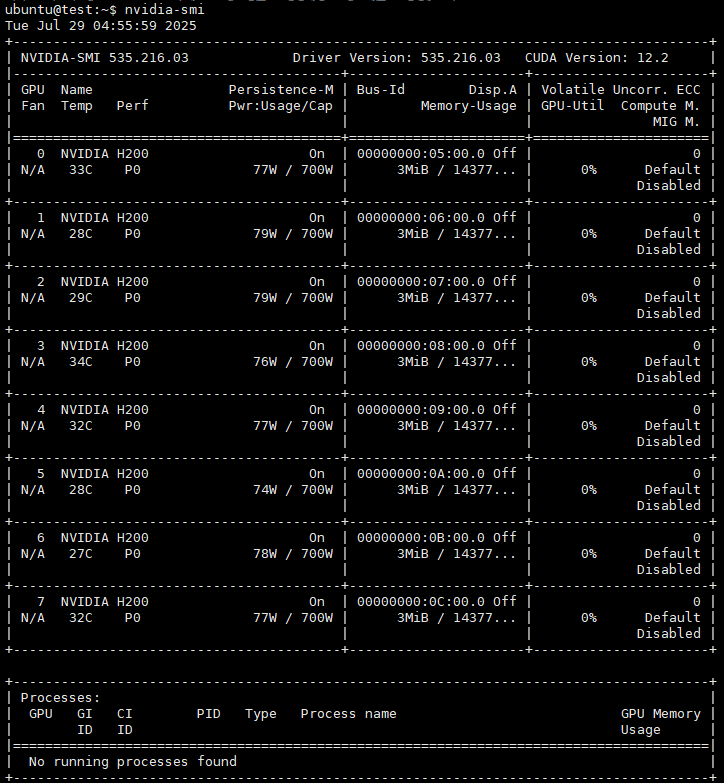
Check GPU model, quantity, driver version and other information
nvidia-smi
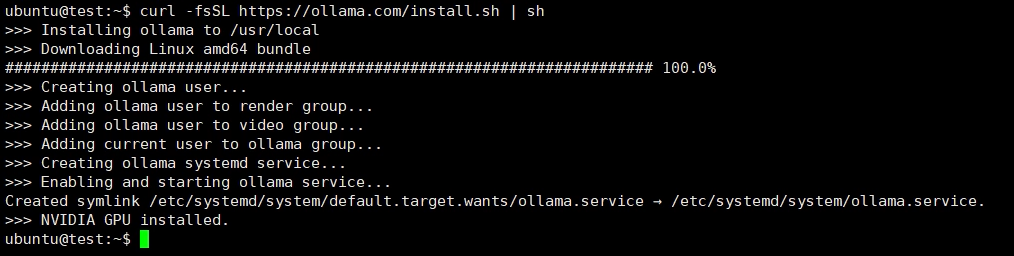
2. Download the Ollama platform to run the large language model
curl -fsSL https://ollama.com/install.sh | sh
List the models you've already downloaded.
ollama list

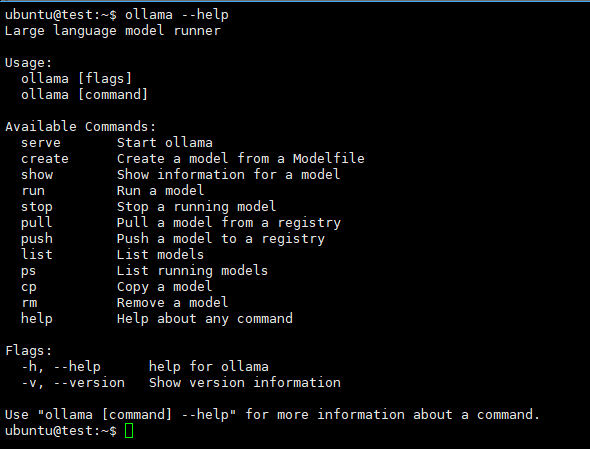
Display the Ollama command-line help.
ollama --help
3. Download and run DeepSeek-R1
Download and start DeepSeek-R1 (Choose the exact model size that matches your hardware.)
ollama run deepseek-r1

You can now interact with your local large language model. To exit, press Ctrl + D or type /bye in the chat window.