

How to Run KIMI-K2 Locally
on a Canopy Wave VM?
How to Run KIMI-K2 Locally on a Canopy Wave VM?
Table of Contents
How to Run KIMI-K2 Locally on a Canopy Wave VM?
What is KIMI-K2?
KIMI-K2 is an open-source, trillion-parameter large language model released by Moonshot AI in July 2025. Although it boasts a total of 1 trillion parameters, it uses a Mixture-of-Experts (MoE) architecture with 384 experts, activating only 32 billion parameters per inference to balance performance and efficiency.
It performs exceptionally well in scenarios such as code generation, long-text processing, and intelligent agent tasks. It supports an ultra-long context length of up to 128K tokens, making it ideal for tasks like analyzing research papers, legal documents, or large codebases.
Moonshot AI provides two open-source versions:
• Kimi-K2-Base: The raw pre-trained weights, ideal for research and deep customization.
• Kimi-K2-Instruct: A fine-tuned version based on the base model, optimized for general instruction-following tasks and ready to use out of the box.
Kimi-K2 is a highly efficient, trillion-parameter expert in code generation and agentic tasks. It is capable of running on standard laptops or being deployed at scale in the cloud, aiming to advance AI from conversational ability to practical, real-world problem-solving.
Technical Background: Llama.cpp
One-sentence definition: LLAMA.CPP is a zero-dependency, pure C/C++ open-source inference engine started by Georgi Gerganov that quantizes any GGUF-format large model (7B–405B) and runs it at high speed on CPUs, laptops, phones, or even inside a browser.
Core objectives:
• Democratize large models: no high-end GPU required for local, private deployment.
• Ultra-lightweight: single-file executable, cross-platform (Windows / Linux / macOS / Android / iOS).
• Peak performance: 128K context length, speculative decoding, function calling, and multimodal support—all out of the box.
How to run kimi k2 locally-kimi k2 local deployment
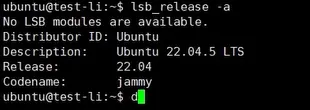
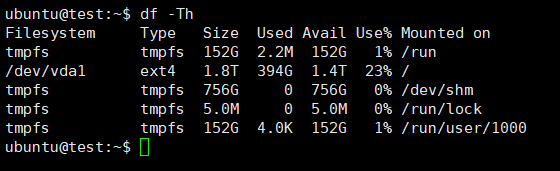
1. Check System Resources to Choose the Appropriate Model Version
View system information:
lsb_release -a
Check storage space size:
df -Th
2. Download and Update Software
Update software package:
sudo apt update
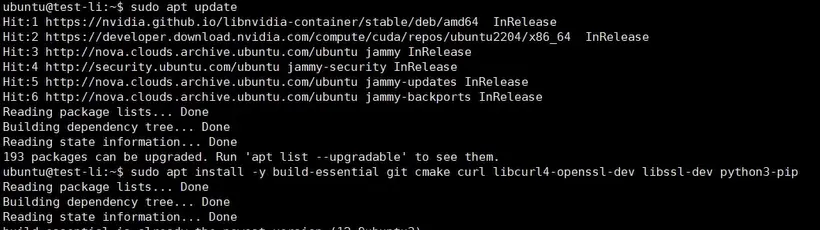
Install basic dependencies:
sudo apt install -y build-essential git cmake curl libcurl4-openssl-dev libssl-dev python3-pip

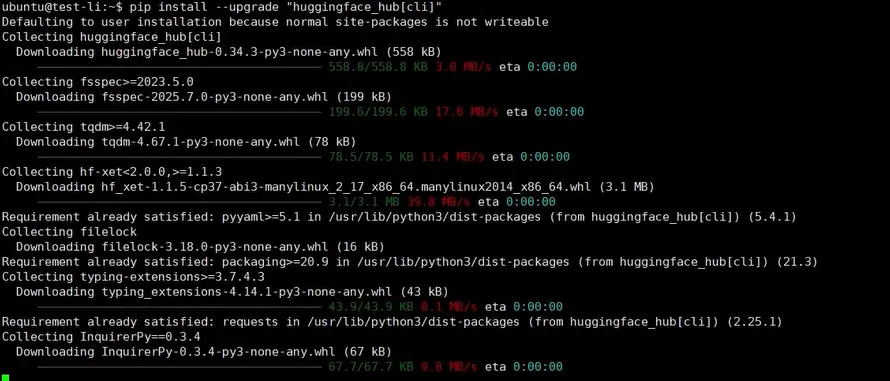
Install Hugging Face CLI:
pip install --upgrade "huggingface_hub[cli]"
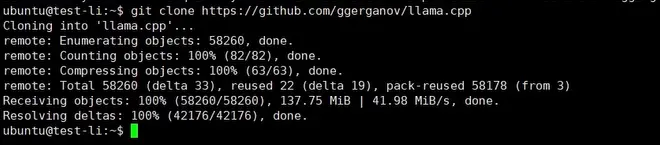
Download llama.cpp source code and switch directory:
git clone https://github.com/ggerganov/llama.cpp
cd llama.cpp
3. Compile the GPU version
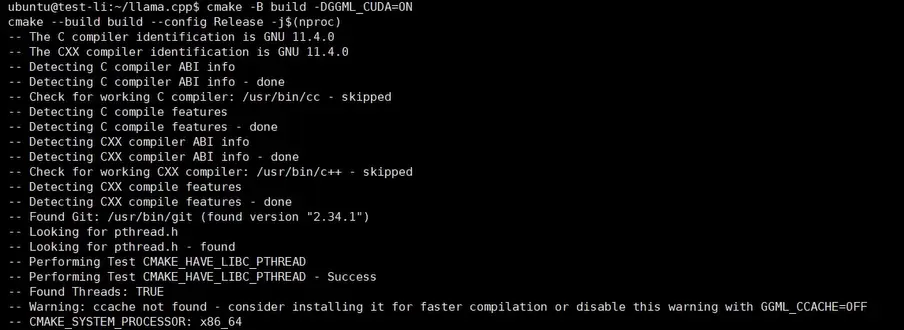
cmake -B build -DGGML_CUDA=ON
cmake --build build --config Release -j$(nproc)
4. Verify that the installation was successful
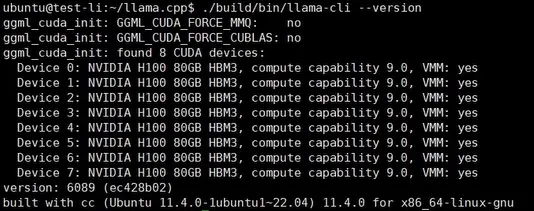
./build/bin/llama-cli --version
5. Add environment variables
echo "export PATH="$PATH:$HOME/.local/bin"" >> ~/.bashrc
source ~/.bashrc

6. Download the model file
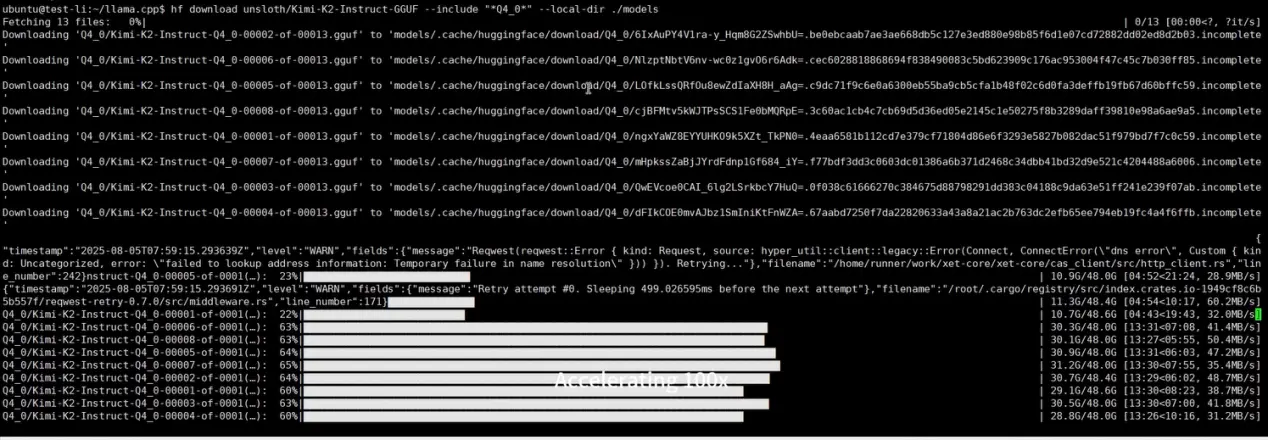
To download the model file, please select a model that suits your storage space and graphics card on Hugging Face:
hf download unsloth/Kimi-K2-Instruct-GGUF --include "*Q4_0*" --local-dir ./models
7. Run the Model
./build/bin/llama-cli -m ./models/Q4_0/Kimi-K2-Instruct-Q2_K_L-00001-of-00013.gguf --n-gpu-layers 99 --ctx-size 8192 --temp 0.6

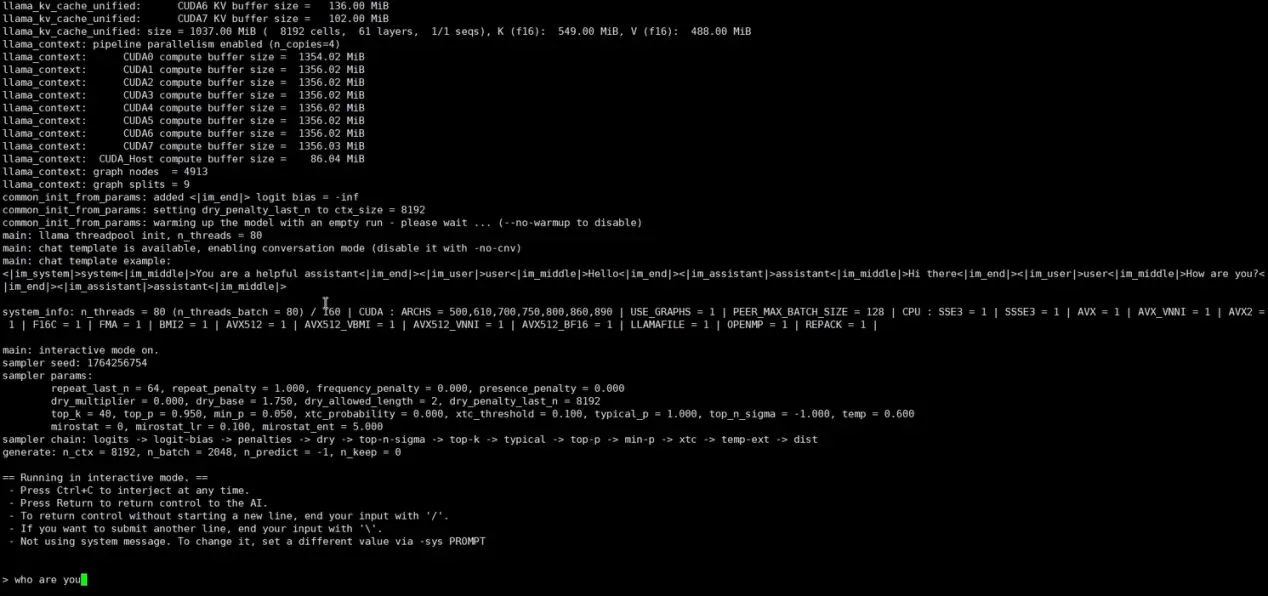
Next, you can interact with your local large language model on your own. If you need to exit, please press Ctrl + C.
8. Code generation
Ask AI to use Python to generate a simple horizontal game.
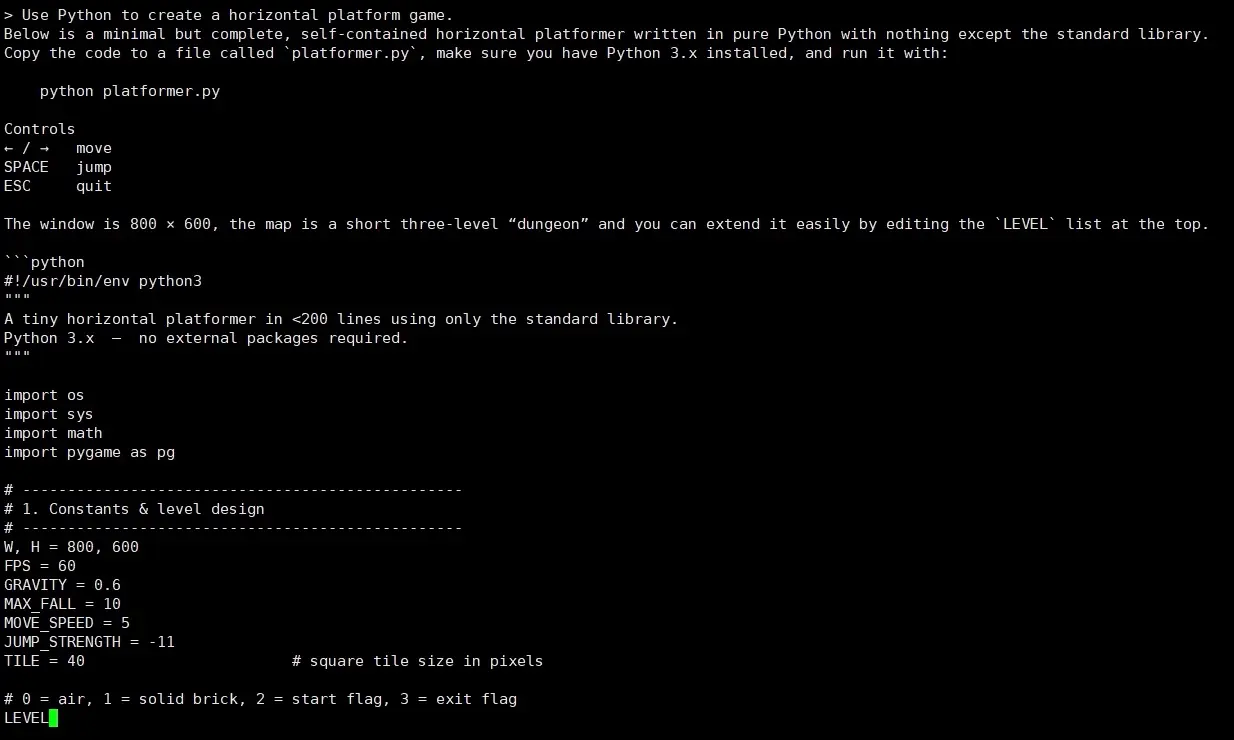
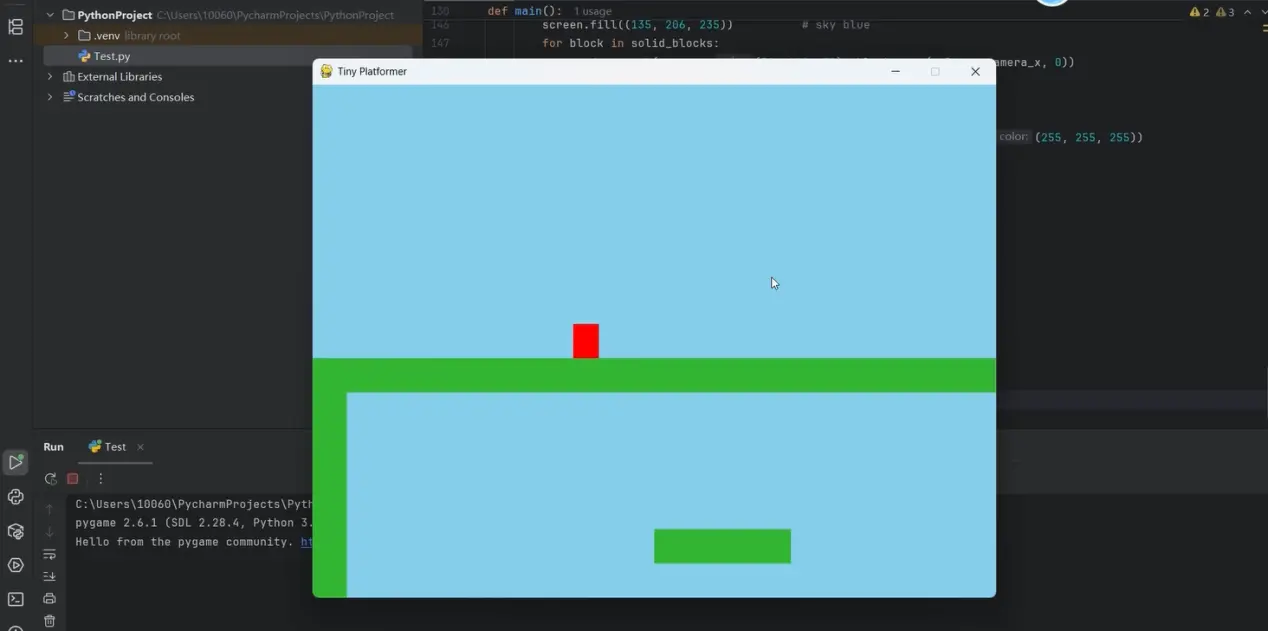
Use PyCharm to run the code and view the code generation results.
Conclusion
Congratulations — you've successfully run KIMI-K2 on your Canopy Wave Virtual Machine! Ready to unlock more hands-on large-model tricks and the latest weights? Email ticket@canopywave.com right now—or click the live-chat button in the bottom-right corner at canopywave.com for live expert support within 5 minutes.

Share


