Introduction
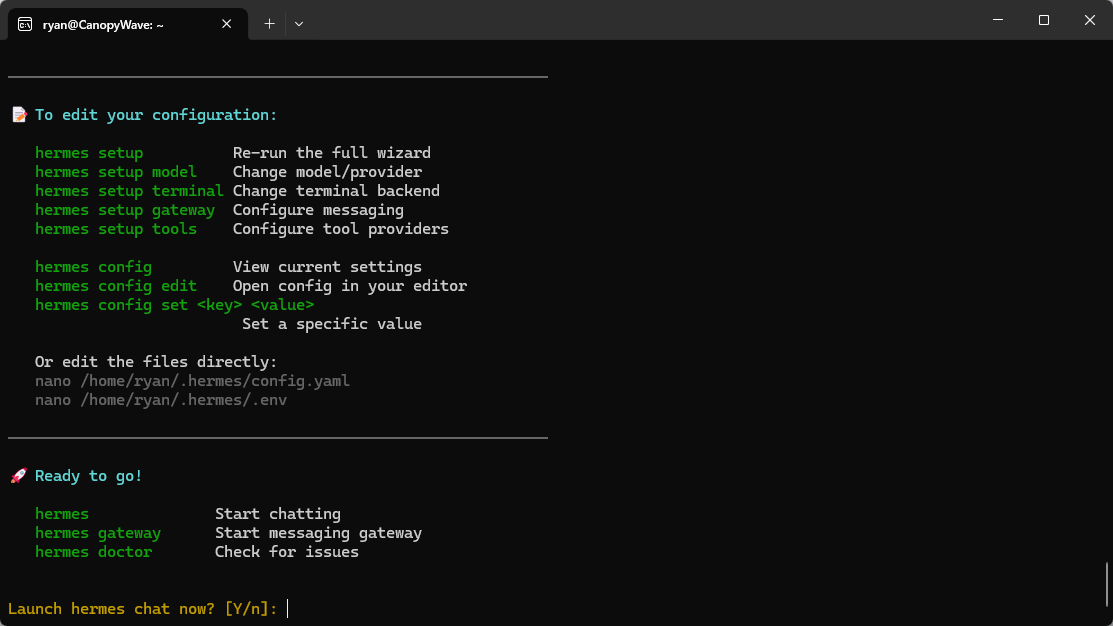
Hermes Agent is a self-evolving AI assistant developed by Nous Research. Through its built-in learning loop, it continuously accumulates experience, creates and optimizes skills, gradually builds user profiles across multiple conversation rounds, and maintains persistent memory across dialogues. With an intelligent user interface and multi-platform integration support, it provides users with a comprehensive, continuously evolving intelligent assistance experience—from local development to cloud deployment.
Requirements
WSL2 installed on Windows.
An Canopy Wave API key.
Setup
Hermes Agent is compatible with the OpenAI API standard and integrates seamlessly with the Canopy Wave API, enabling rapid integration.
One-click download and installation command
curl -fsSL https://raw.githubusercontent.com/NousResearch/hermes-agent/main/scripts/install.sh | bash

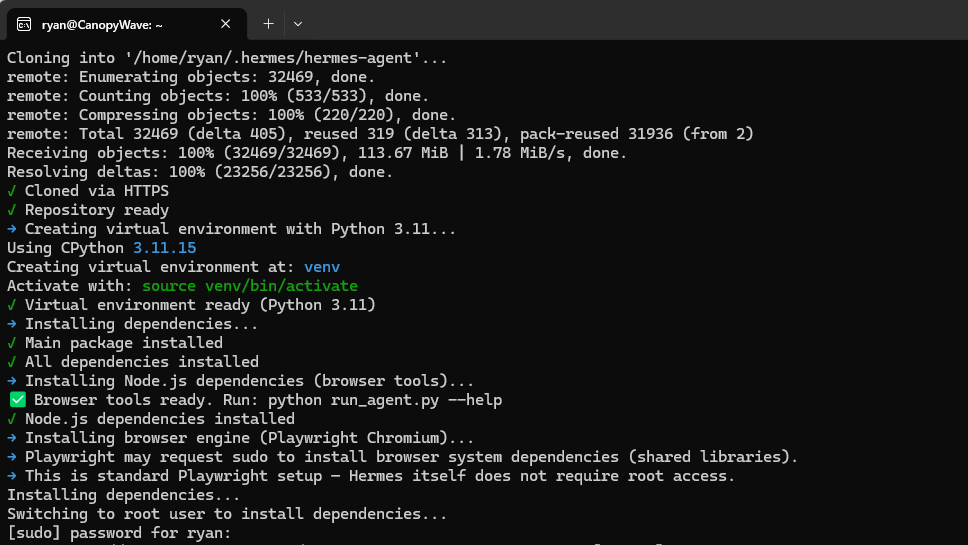
Enter your sudo password to confirm the download of dependencies.
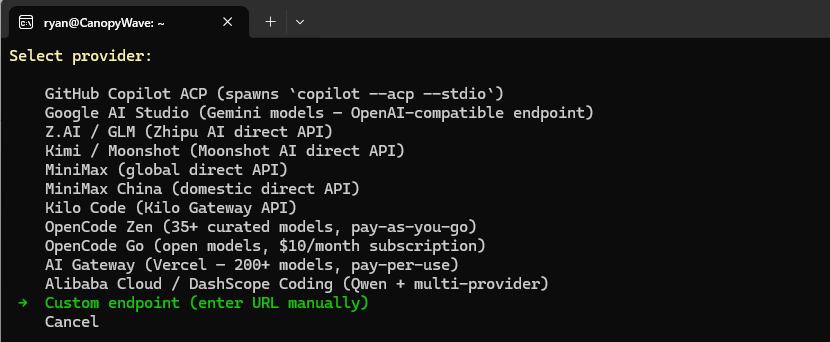
Go to Quick Settings.

Select “Custom Endpoint” under “More Providers”.
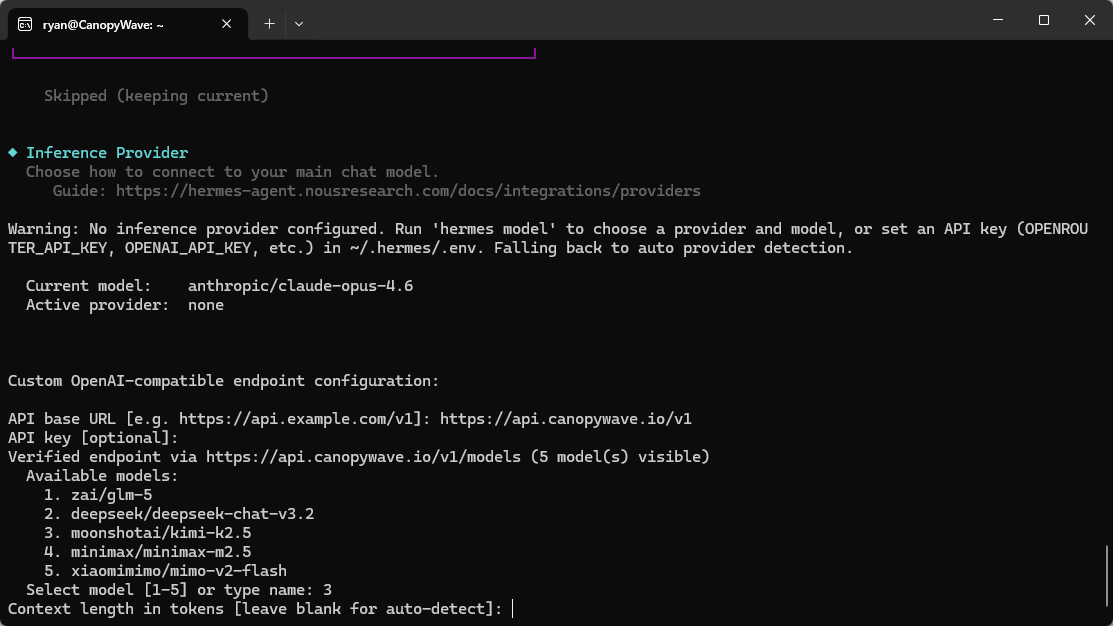
Enter the API base_URL: https://api.canopywave.io/v1
Paste the API key obtained from https://cloud.canopywave.io/
Select the model you want to call via Hermes Agent.
Press Enter to automatically detect the context length.
You can choose whether or not to integrate with your messaging platform.

A prompt from the Hermes Agent. Type “Y” to begin the conversation with the Hermes Agent.